
The question: will more RAM make my computer faster, or am I paying for capacity I won’t use?
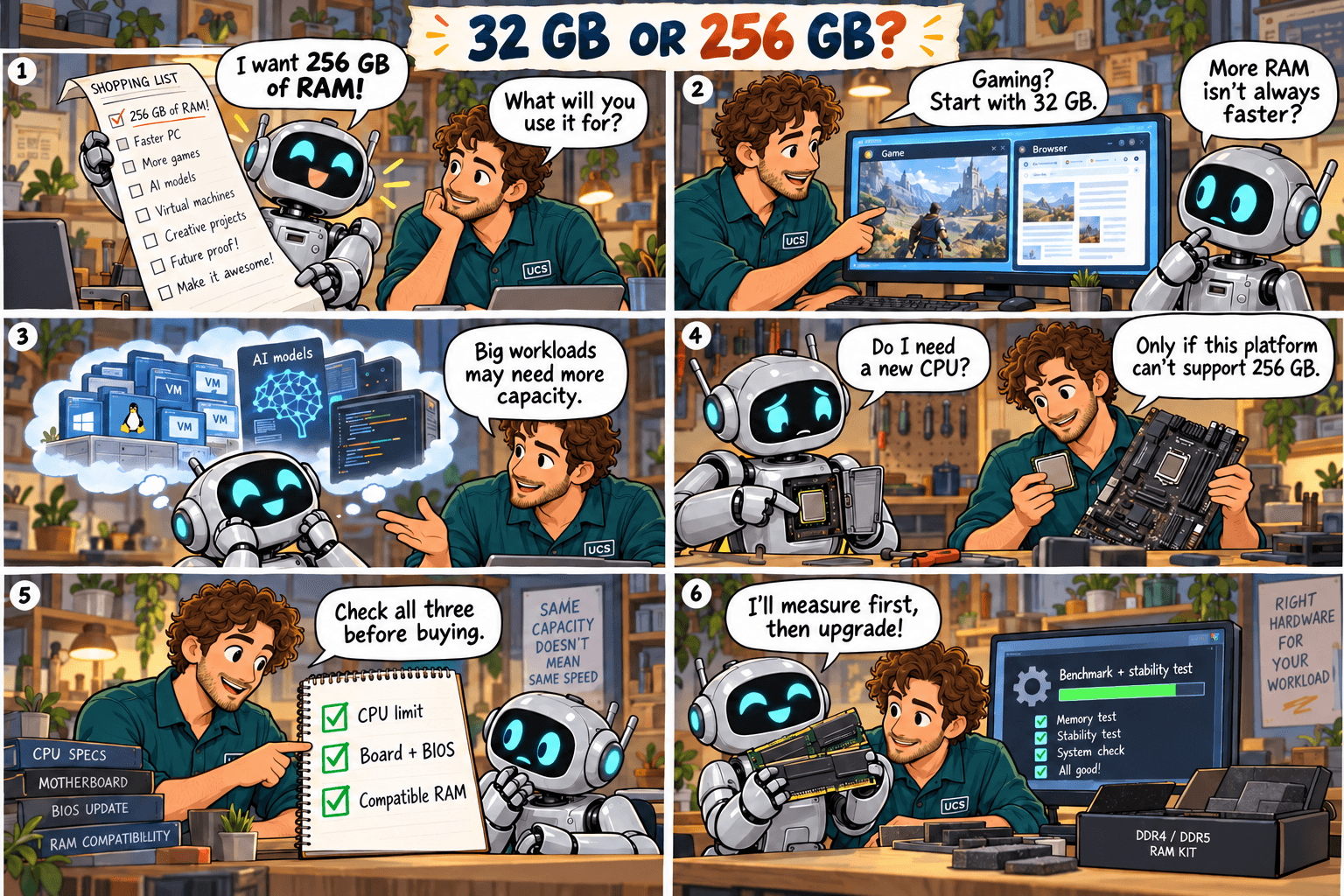
Quick rule: buy RAM to fit your workload. Capacity you never fill does not make a computer faster.
Common mistake: buying 256 GB because it sounds faster, with no evidence the workload needs it.
What it means
RAM is the computer’s working space. When it runs out, the operating system moves data to storage, which is far slower. More RAM fixes that problem and no other.
- Gaming: start at 32 GB.
- Office work: often less.
- Large projects, several virtual machines, specialist data work: often much more.
Graphics card memory is separate. Adding system RAM does not increase it.
What to check
- Run your busiest normal workload and read memory usage. On Windows: Task Manager → Performance → Memory.
- Note whether slowdowns happen when memory is nearly full.
- Find your exact computer or motherboard model, CPU, installed modules and supported capacity.
- Budget for installation and any other parts the upgrade requires.
Our recommendation
If 32 GB fits your work, spend the savings on the part that is slowing you down. If you regularly run out, buy a supported upgrade with room to grow. For 256 GB, confirm your CPU and motherboard support it first.
Not sure what fits? Send us your computer model and what you use it for. We check compatibility before you buy.
Ask us to checkSources
- Kingston: compatible-memory finder
- Kingston: memory population rules
- Your motherboard maker’s memory support list for your exact model
Technical review: 5 October 2026. General guidance. Check the documentation for your exact hardware before you buy. Full notice.