
The question: will my CPU and motherboard reach this kit’s advertised speed?
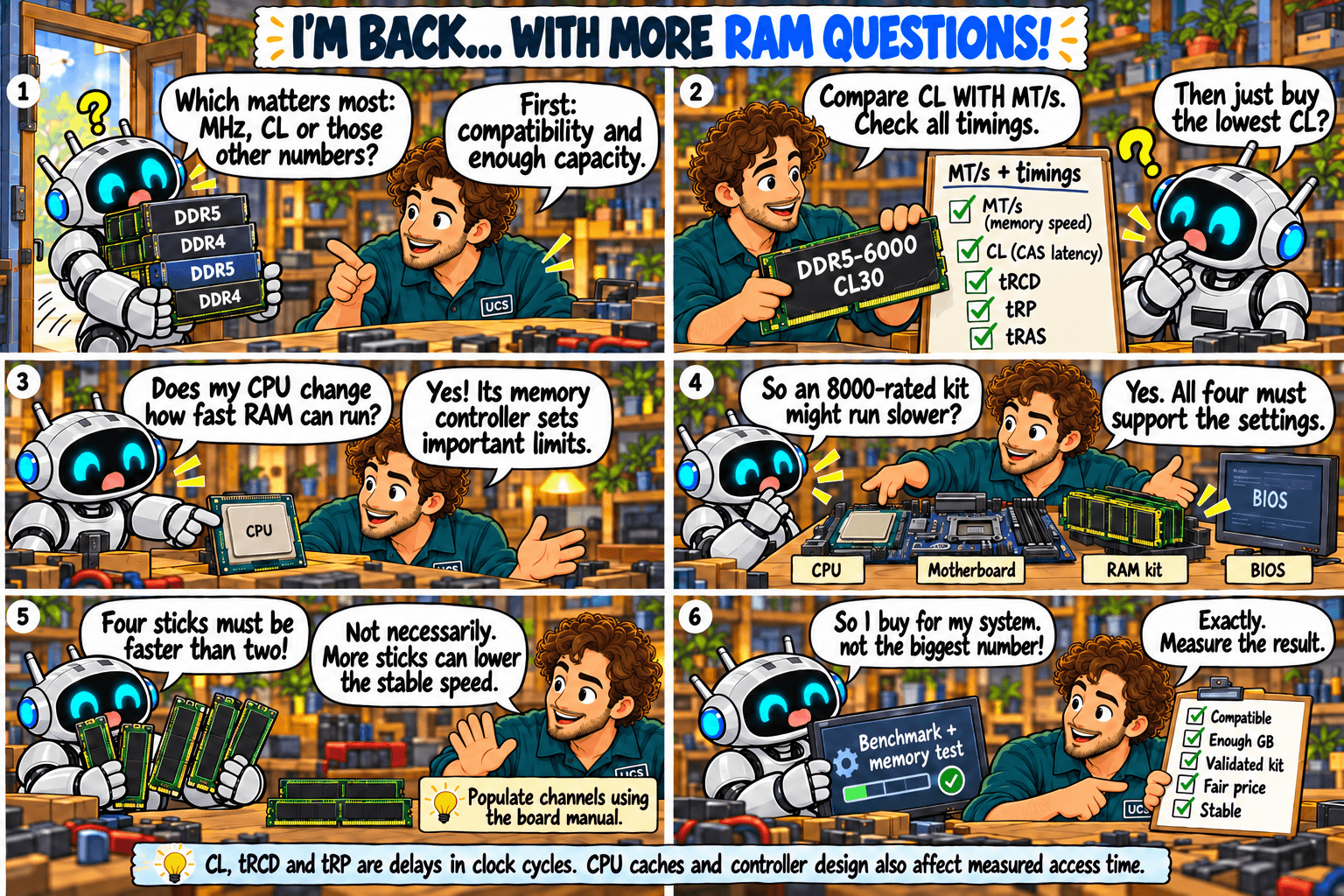
Quick rule: the advertised speed is a profile, not a promise. Your CPU, motherboard and BIOS all have to support it.
Common mistake: treating an XMP or EXPO profile as guaranteed on every system.
What it means
- The memory controller is inside the CPU. It sets the limits on how fast RAM can run.
- The motherboard and BIOS count too, along with the number of modules, their capacity and their ranks.
- XMP and EXPO speeds are profiles you enable. Not every compatible CPU can run them.
- Four sticks are not faster than two. More modules can lower the stable speed.
Buy in this order:
- Enough capacity.
- The correct generation and a supported kit.
- Modules in both CPU memory channels.
- A suitable transfer rate.
- Timings and price.
What to check
- The memory speeds your CPU supports.
- The motherboard’s memory support list (QVL) and BIOS version.
- The number of modules, their capacity and their ranks.
- That the profile is supported, and a stability test after enabling it.
Our recommendation
Choose a kit validated for your exact CPU and motherboard, with the number of modules you will install. Keep a stable fallback.
Not sure what fits? Send us your computer model and what you use it for. We check compatibility before you buy.
Ask us to checkSources
- Kingston: memory population rules
- Intel: processor specifications, including supported memory types
- AMD: processor specifications
- Your motherboard maker’s memory support list for your exact model
General guidance. Check the documentation for your exact hardware before you buy. Full notice.